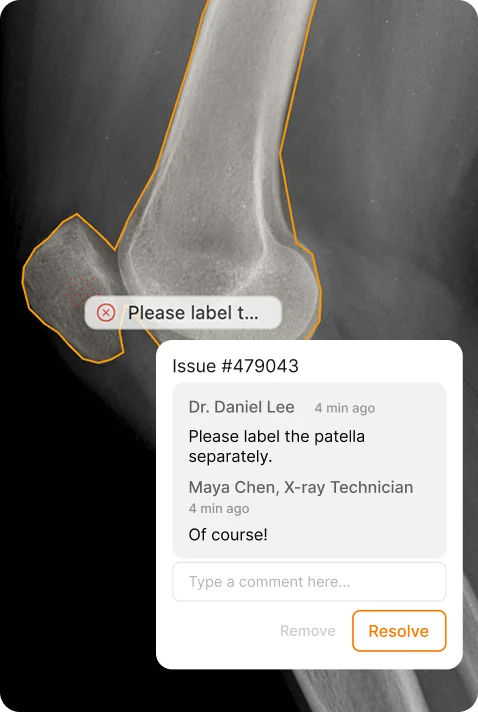
Trace a visible boundary.
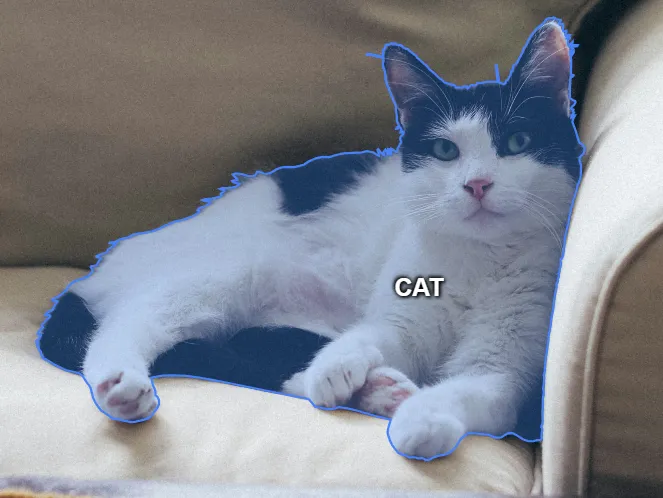
A contour describes the pixels that belong to one object.
- Set the class and decide how to handle occlusions.
- Follow the visible silhouette and inspect the edges at a higher zoom.
- Check adjacent objects separately before accepting the instance.
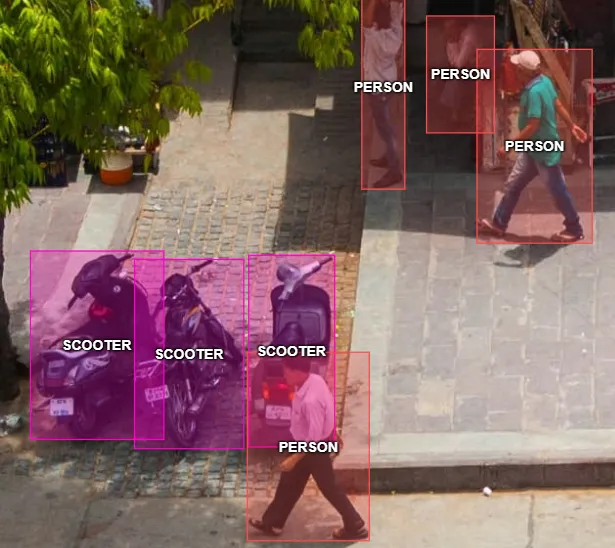
Keep an object’s identity.
A video track links the same object across frames.
- Choose a clear starting frame and give the object a track.
- Add keyframes when position or shape changes.
- Inspect the frames between keyframes, especially where objects cross.
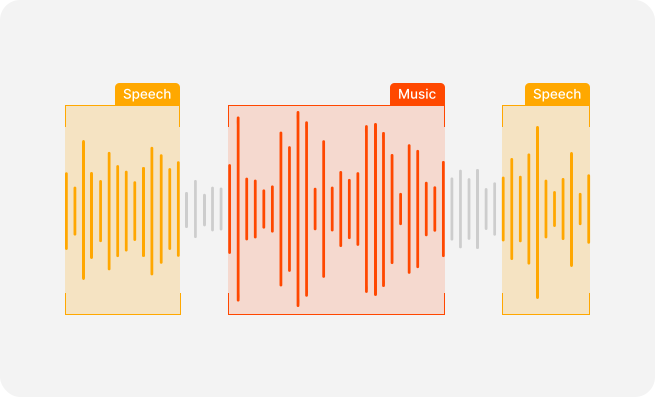
Mark the interval you hear.
Time labels give speech, music, and other events a start and an end.
- Listen to the clip once for context.
- Mark the event boundaries and replay the selected interval.
- Record the speaker or event class according to the label guide.
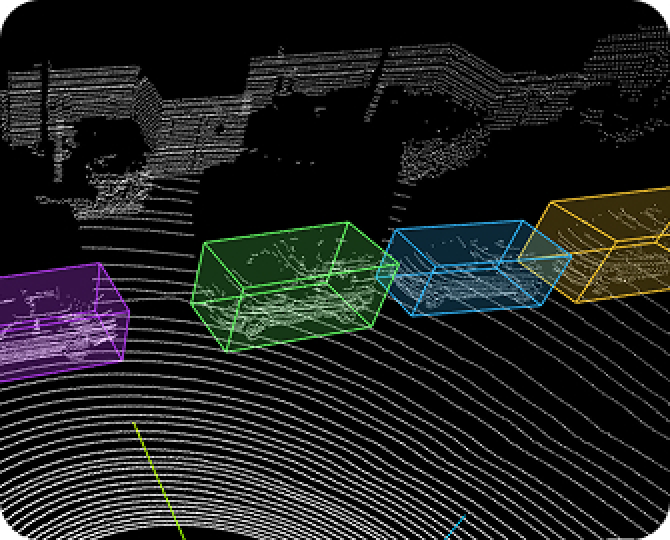
Fit an object in 3D.
Use the points from more than one angle to place a cuboid.
- Find the object in the cloud and set its class.
- Adjust the box dimensions and heading from multiple views.
- Inspect the ground contact and any neighboring objects.
Rotate the point cloud ↗
Resolve a disputed label.
A reviewer needs the original evidence and a clear rule to make a decision.
- Check the label against the written definition.
- Record the disputed boundary and the correction to make.
- Recheck the edited example and add recurring edge cases to the guide.
 TagFlow